
Building a Routine for Drop-off, Class Start, and Pickup Reminders
“What time was piano today again?” “What do we need to bring for swimming?” “I’m getting confused about the pickup time after taekwondo.”
Once you have more than two academies in the mix, thoughts like these cross your mind several times a day. If your child attends three or four academies, it starts feeling like you have to keep your brain running at full speed. Trying to remember all of it is unrealistic from the start.
These moments come up often when you are taking your kids to and from school and academies. When there are only one or two schedules, it is manageable. But once school schedules and academy schedules start overlapping, having even one solid pickup reminder makes things feel much less tangled. That is why reminder features were never just nice extras to me. They came from something I actually needed in daily life.
Missing a reminder is not a memory problem. It is a system problem. If you build a structure where reminders arrive automatically from the beginning, you no longer have to spend energy trying to remember everything yourself.
Three moments when reminders matter most
Academy-related reminders can be divided into three main moments.
1. Before leaving for class
If a reminder comes 30 minutes to 1 hour before class starts, it becomes much easier to pack what you need and calculate departure time. Without that reminder, you often end up searching at the last minute, asking yourself, “What were we supposed to bring again?“
2. Pickup reminder
Pickup times vary by academy, and even within the same academy, they can differ by weekday. If you are tired of checking “What time does it end today?” every single time, setting pickup reminders by weekday is the cleanest approach.
3. The night-before reminder for materials
For things that take time to prepare, like textbooks, swimsuits, or drawing paper, a reminder on the evening before is much more useful. By the morning of the class, it is often already too late.
How to build the routine
When you first set up a reminder routine, it helps to take one block of time to organize each academy’s full schedule. If you gather the class days, start times, pickup times, and regular materials for each academy in one place and attach reminders there, that setup keeps working for you through the semester.
Thirty minutes of setup at the start can remove a repeated chore for months.

Photo by Brett Jordan on Unsplash
Too many reminders make you numb
There is one thing to watch out for when building a reminder routine. If there are too many notifications, you start ignoring them. Everyone has had the experience of tapping away phone notifications almost unconsciously.
That is why reminders should be set only at the moments that really matter. A reminder like “Class in 30 minutes, time to leave” or “Need to pack the swimsuit for tomorrow” is much more useful than a generic “You have class today.”
You only need to automate the repeating pattern
Schedules that repeat the same way every week only need to be set up once. On the other hand, exceptions like special classes, cancellations, or temporary changes can be added as they happen. Once the core routine is in place, even exceptions become much easier to manage.
The core of a reminder routine is not increasing the number of alerts. It is being clear about what they are based on and when they should ring. In Lesson Manager, you can set reminders not only for the class start time itself, but also for the moments you actually need, such as 10 minutes before, 30 minutes before, or 60 minutes before. The more accurate way to think of it is that you first organize the lesson schedule yourself, and then place only the reminders you need on top of that schedule.
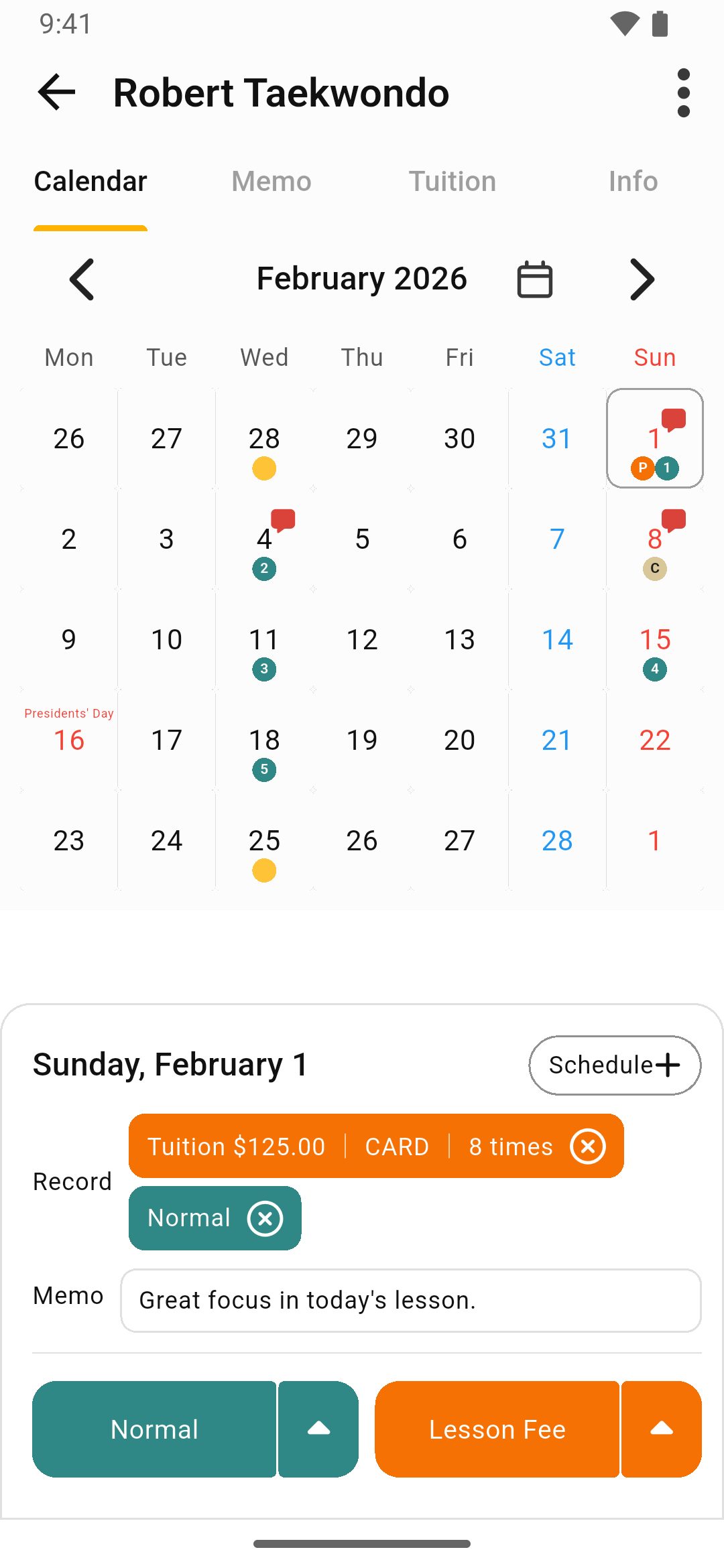
Once it is set up that way, you can check today’s plan in the weekly view or calendar, and then continue into the detailed note for that lesson if needed. If a reminder rings but you have to open a different app to find the actual details, the workflow becomes more inconvenient, not less. Dividing reminders into moments like 10 minutes before, 30 minutes before, and 60 minutes before exists because every family’s drop-off and pickup routine is slightly different. No matter what tool you use, the key is to create a structure where everything is gathered in one place and you are notified at the moment you actually need to act.